
Open topic with navigation (left menu)
You can search in itslearning by using the Search field in the personal menu. From the search's main page, you can perform three types of search:
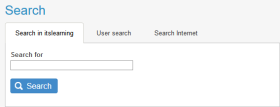
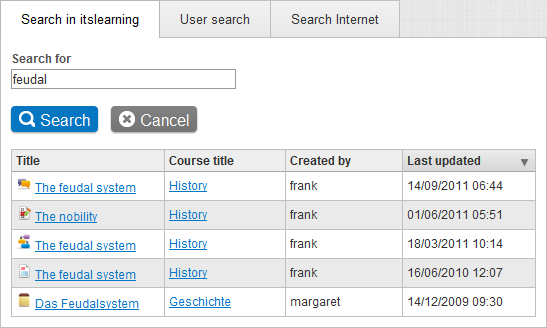
 Search in itslearning
 User search
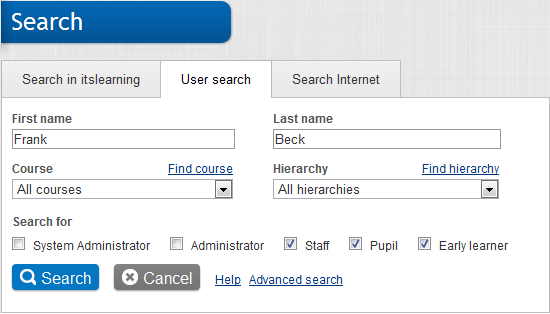
Tip: If you click the Advanced search behind the Last name field, you get one more option: Show. Select the information to show in the search results. Check the boxes in front of the information you want to display in the search results.
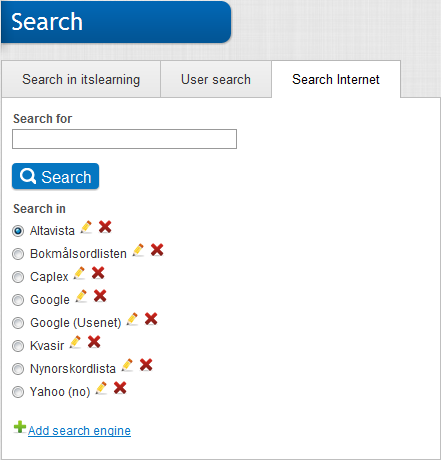
Search Internet
Click in the search field in the personal menu, and press the Enter key.
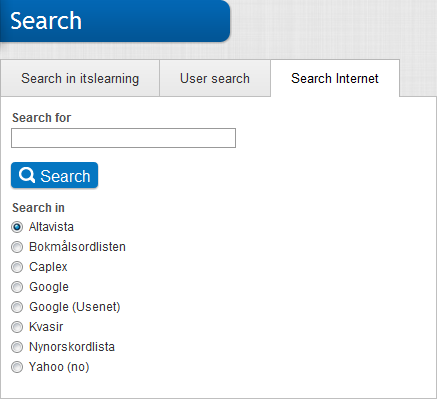
Adding a search engine
Note: Only users with administrative rights can add search engines.
 CIDR syntax, for example: 158.36.191.0/24).
Click Save.
Below is a screenshot of the dialog for editing search engine settings. The example shows the settings of the search engine Altavista.
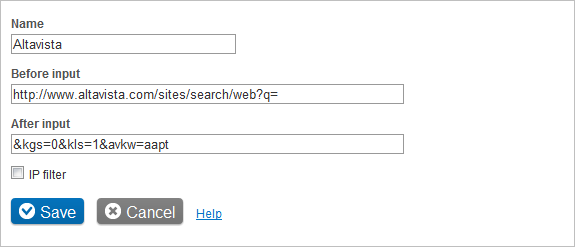
Editing a search engine
 behind the search engine you want to edit.
Deleting a search engine
 behind the search engine you want to delete.
Copyright © 2015 itslearning™ – All rights reserved itslearning.net Using the help